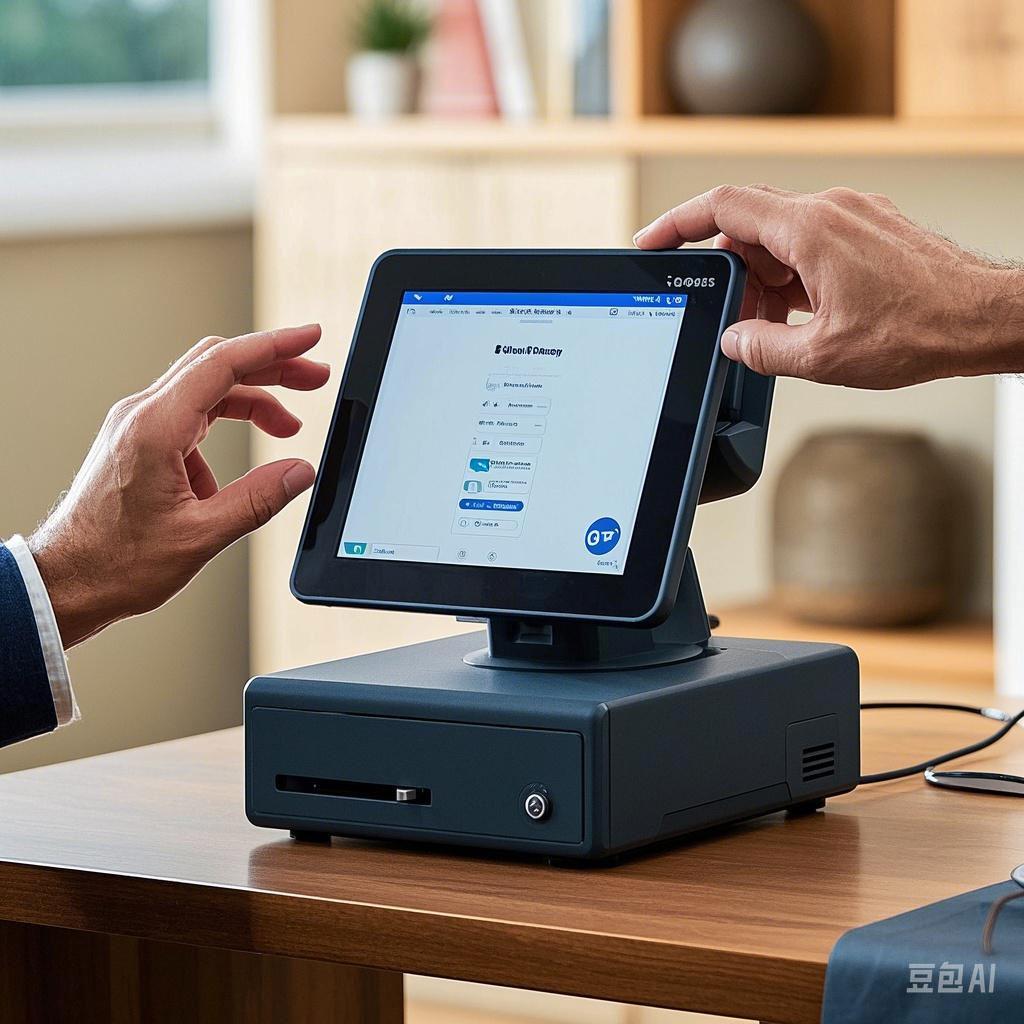
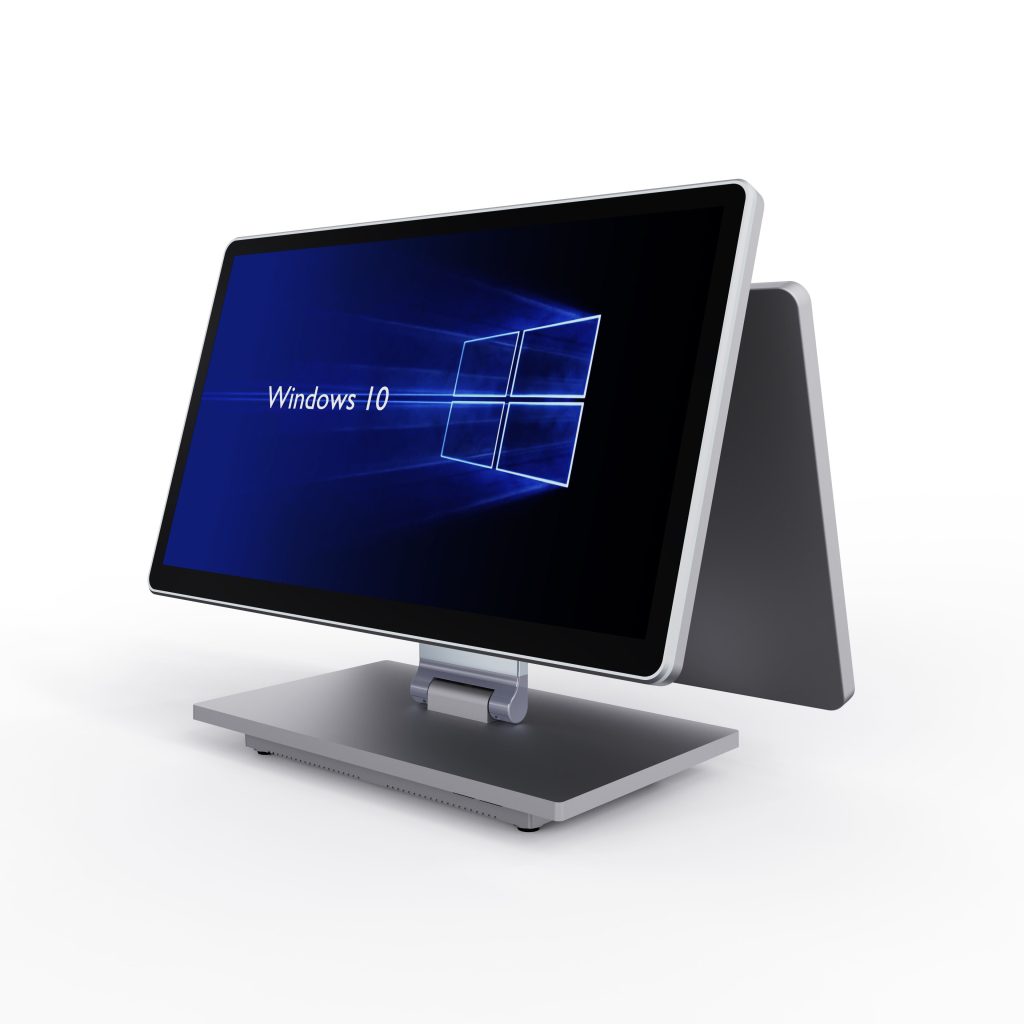
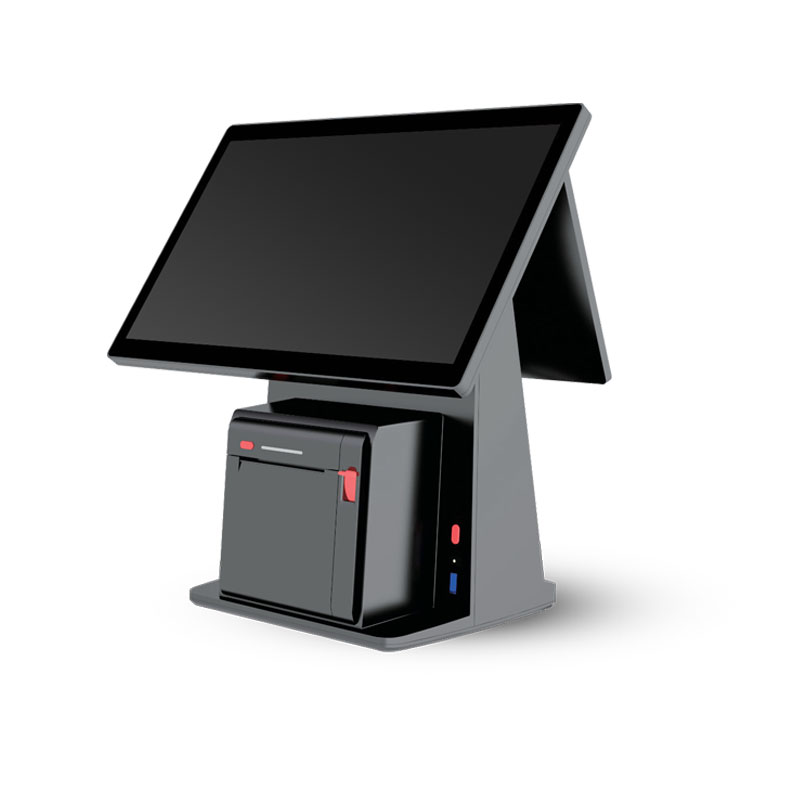
In the digital driven wave of business operations, Android based cash registers, also known as POS systems or POS computers, have become indispensable for numerous merchants. A POS terminal, often referred to as a cash register, is at the heart of daily transactions. However, with a vast array of products flooding the market, the question of how to precisely select an Android – powered cash register that aligns with your business requirements remains. Here are several key details to consider:
Processor and Memory: A Powerful “Heart” for Efficient Operation:The processor, the core component of a POS system, is like the “heart” of the cash register. Its performance directly impacts the operating speed and efficiency of the entire POS terminal. High – performance processors such as Rockchip RK3288 or RK3399 can ensure the smooth operation of the cash register system, enabling it to respond promptly to various operation commands. In terms of memory, for a basic configuration of a POS computer, we recommend 4GB DDR memory paired with 32GB EMMC storage. This setup can meet the storage and processing needs of daily business data. For busier businesses with large data volumes, an upgrade to 16GB DDR memory and 64GB EMMC storage can make the cash register operate more smoothly.
System and Application Support: Stable Compatibility and Unlimited Expansion:Android systems that are deeply customized for commercial scenarios offer enhanced stability and security. For a POS system, this is crucial as it can effectively safeguard transaction data and ensure the continuous operation of business processes. Additionally, it’s essential to assess the system’s expandability and compatibility. A well – designed POS computer should be able to seamlessly connect to various external devices like printers, barcode scanners, and cash drawers, and support a wide range of mainstream cashier software. This provides a solid foundation for business expansion.
External Interfaces: Abundant Interfaces for Flexible Connection:Abundant external interfaces are the bridges that enable a POS terminal to work in harmony with external devices. A cash register equipped with common interfaces such as USB and serial ports can easily connect to printers, barcode scanners, and cash drawers. This connectivity meets diverse business needs and significantly improves the efficiency of the POS system.
Display Screen: Adapt to the Scenario and Present Clearly:The display screen of a POS terminal serves as a vital interaction window between cashiers and customers. In convenience stores or small – scale restaurants with relatively low customer traffic and straightforward operation processes, a small – screen display suffices. It not only saves space but is also cost – effective. In contrast, in large restaurants or supermarkets where transaction information is complex, a large – screen display can present product prices, promotional information, etc., more clearly and comprehensively, enhancing the overall customer shopping experience within the POS – based transaction environment.
Functional Modules: Precise Customization to Meet Individuality:Based on specific business characteristics, consider integrating special functional modules into your POS system. In scenarios where a convenient payment experience is highly valued, features like face recognition and card – swiping payment modules can significantly reduce transaction times and boost customer satisfaction when using the cash register.
Brand and After – sales Service: Quality Assurance and Worry – free After – sales:Opting for a well – known brand with a good user reputation when choosing a POS computer or cash register often means higher product quality and more comprehensive after – sales services. A responsive after – sales team can quickly address issues when the device malfunctions. This minimizes economic losses resulting from equipment downtime in the POS system.
External Power Supply and Battery Life: Continuous Power Supply for Stable Operation:For merchants operating 24/7, a stable external power supply and reliable battery life are essential for their POS terminals or cash registers. Ensuring that the device can function normally during unexpected power outages is crucial. It guarantees the continuity of transactions and prevents data loss and transaction interruptions, maintaining the smooth operation of the entire POS – based business process.
By comprehensively evaluating these details, merchants can identify the most suitable Android – based cash register, or POS system, for their business needs. This selection lays a solid foundation for efficient operations and high – quality customer service, helping them stand out in the highly competitive market.